Channels appear in the apps, and are a good place to talk to other users on MeshCore.
All hashtag channels are public, and visible to everyone.
To add any hashtag channel in the official MeshCore app, it's easy to do. As one example, go to the Channels screen, and choose menu > add channel > join a hashtag channel > #test
¶ #Public
You should be automatically subscribed to the #Public channel.
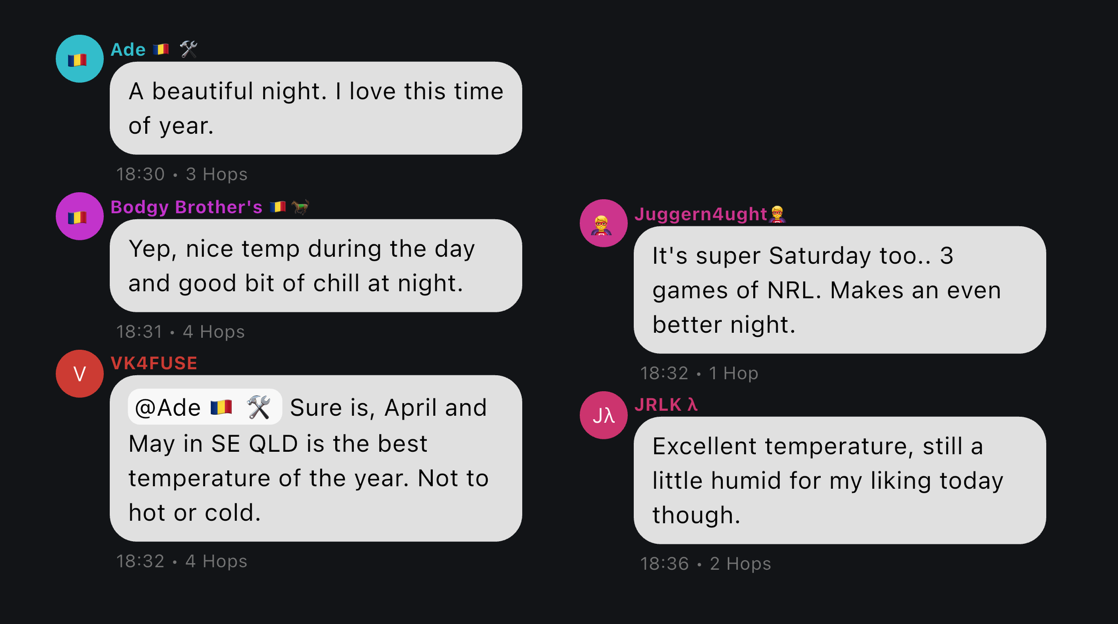
If your software asks for a public key, then it's this:
izOH6cXN6mrJ5e26oRXNcg==
¶ Local channels
Local channels with specific news are useful for flooding or other similar events. Local channels include:
- #blibli
- #brisbane
- #ipswich
- #goldcoast
- #nambour
- #sunshinecoast
- #toowoomba
This list is not exhaustive in the slightest. The best thing to do is to try to see if a local channel already exists.
¶ Other "hashtag" channels
You can see additional channels in the EastMesh website - change the region to see ones near you. Here are some that are active...
¶ #test
This channel contains automated responses, which can help you check that you are getting out. Send the message !test and you should get one or two instant replies, acknowledging your message and telling you how they saw it. Perfect for keeping tests like this off the main public channel.
¶ #ping
Specifically for "ping"/"pong" tests - use this channel to see if your signal is getting out, and if others can hear you. Most humans will report to you how many hops it took to get to them. (Unlike Meshtastic, MeshCore has an upper limit of 63 hops, though we're unlikely to get that far!)
¶ #weather
Send a command like !weather 4560 to see the weather report for your local area.
¶ #emergency
Contains emergency alerts, like fire information: and when they're cleared.
¶ #hamradio
A specific place to talk ham radio
¶ #hiking
Contains a trailbot to help you with hiking in SEQ. Talk to it by posting comments starting with '!' (it seems to accept almost anything).
¶ #jokes
The home on Meshtastic for mostly poor dad jokes
¶ #market
Selling MeshCore related items? This might be for you.
¶ #weather
For weather information and reports
¶ #quotes
Expect motivational quotes and other famous sayings
¶ #secret
We're unable to tell you what is in the #secret channel, because it's a secret.